 AnyMesh
AnyMesh
AnyMesh
AnyMesh is a free 3D model & animation viewer. Drop a model and it's instantly framed, lit and turning on a turntable — or drop an animation and watch it play on a built-in UE Manny or Mixamo character. No setup, no cloud, no account.
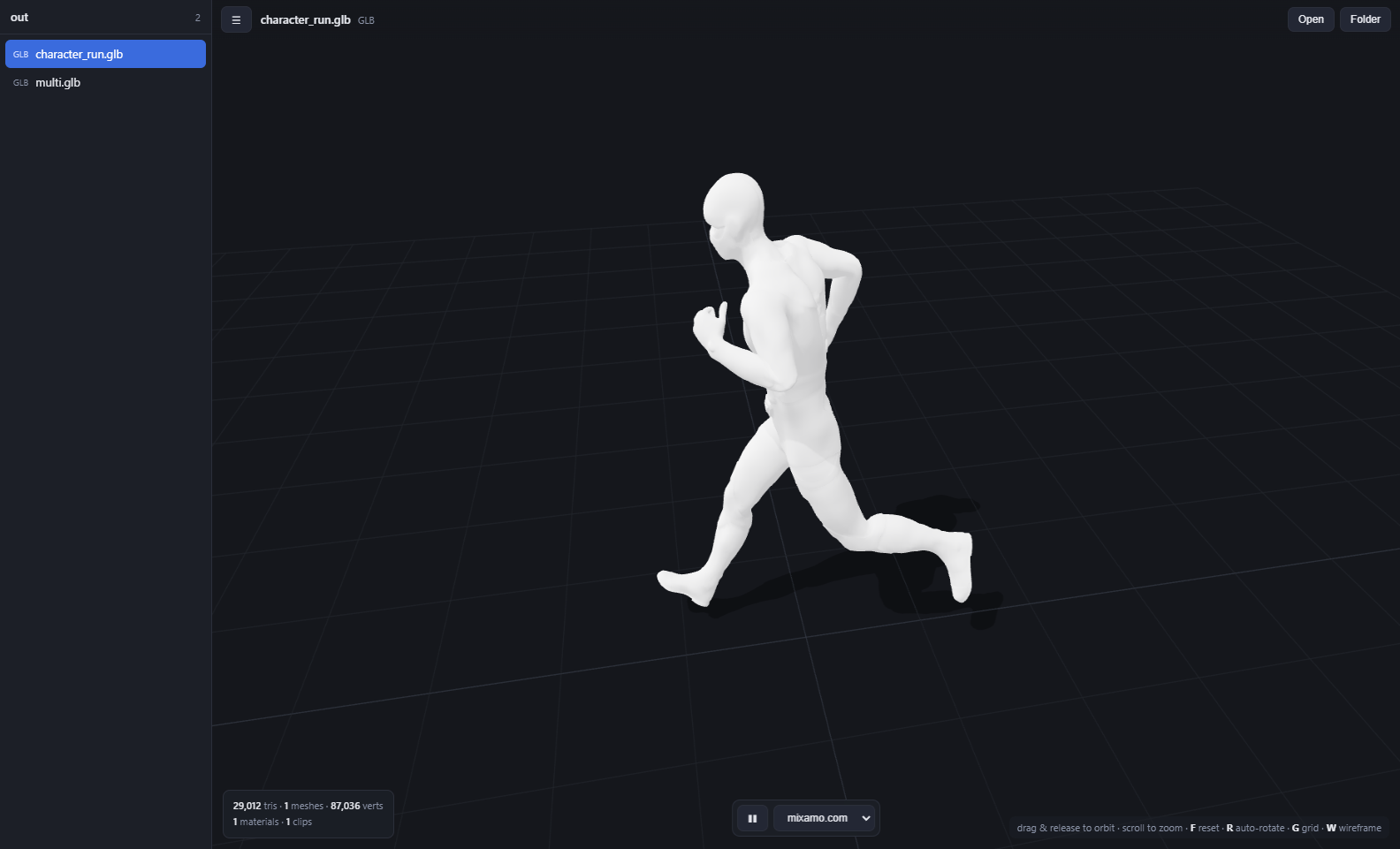
Got an animation but no character to see it on? Open any Mixamo or Unreal clip — even a bare animation file with no mesh — and AnyMesh plays it on a built-in UE Manny or Mixamo character. Switch characters from the View on menu; AnyMesh retargets across rigs automatically, so a Mixamo clip plays on Manny and a UE clip plays on the Mixamo figure. Free, offline, no upload.
Built for every kind of 3D professional
No menus to learn. Open a file and it's already framed, lit and ready.
GLB, glTF, FBX, OBJ (+ .mtl), STL and PLY — including DRACO, KTX2/Basis and Meshopt compression, all decoded automatically.
Every model is centered, scaled to fit and slowly rotating with studio lighting and a soft contact shadow.
Rigged models play instantly. Multiple clips? Pick one from the dropdown. Root-motion clips stay in frame.
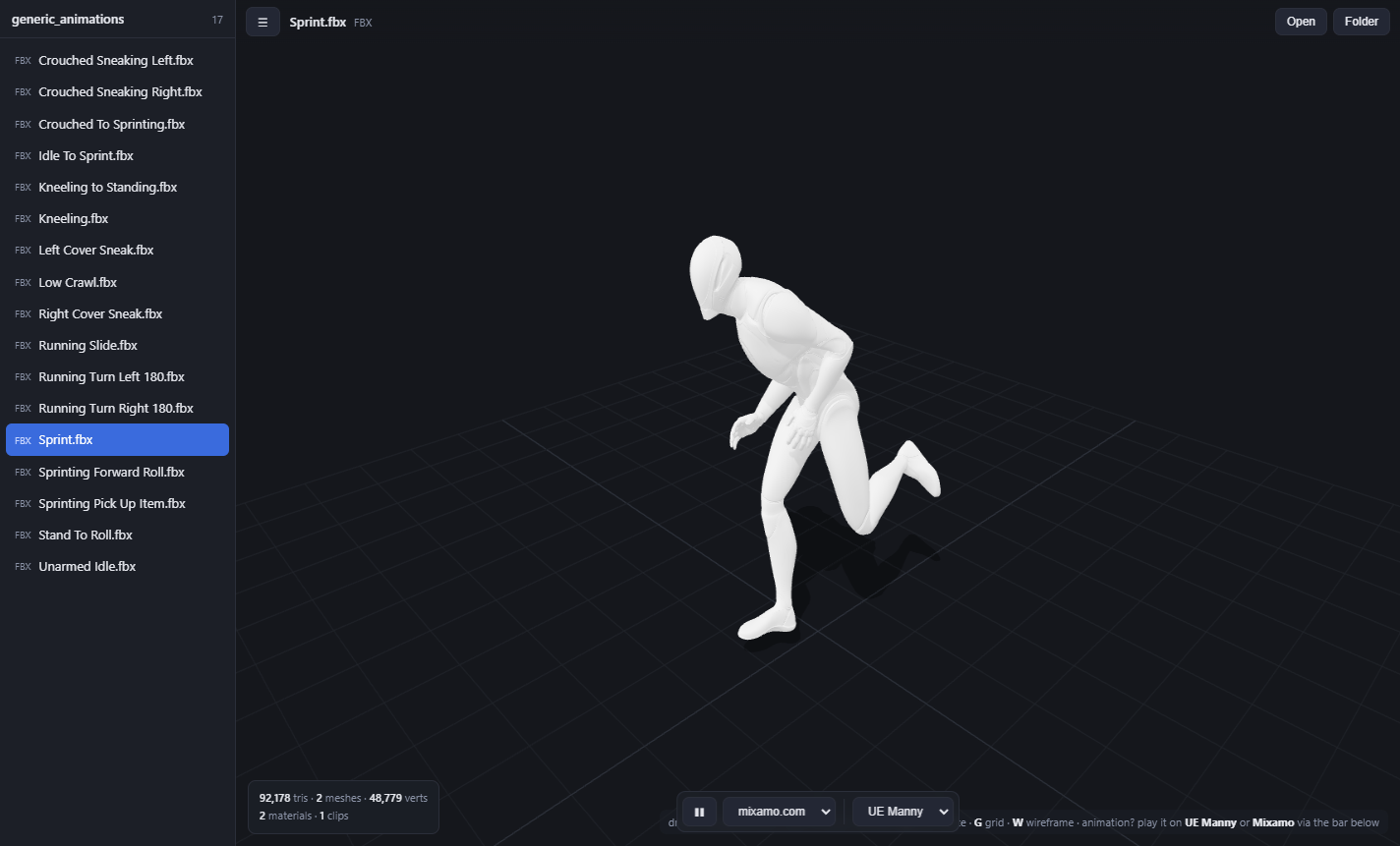
Open a Mixamo or Unreal animation — even with no mesh — and watch it on a built-in UE Manny or Mixamo figure. AnyMesh retargets across rigs automatically.
Real-world size, bone count, texture resolution — and the name of any texture the file is missing, so a white or black model explains itself. Press S to stand a 1.8 m human next to it and check the scale.
Open a directory and flip through every asset in the sidebar with a click or the arrow keys.
Nothing is uploaded. Your models never leave your machine — no account, no cloud, no tracking.
Drag a file or a folder onto the window. Or set it as your default so 3D files open on double-click.
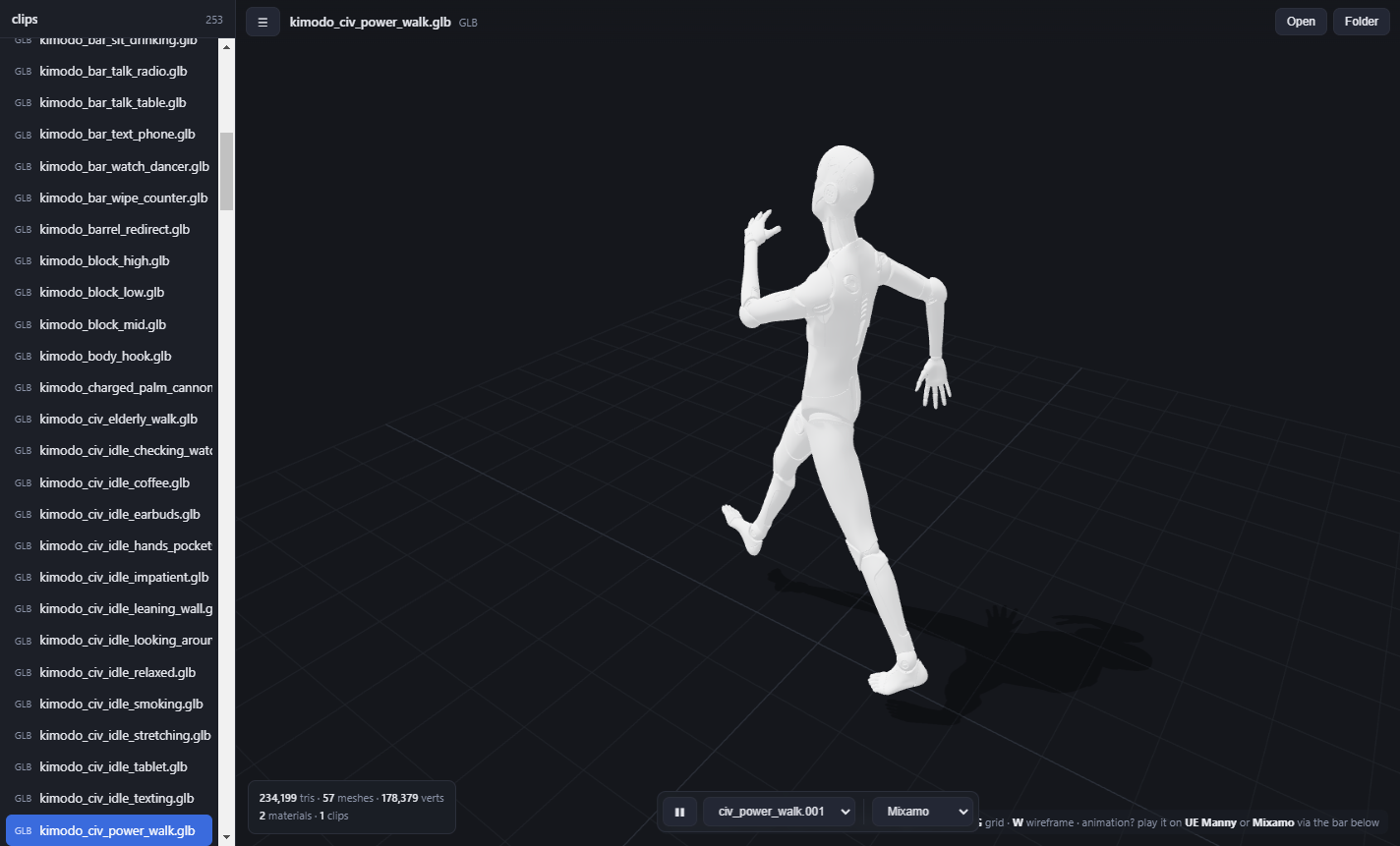
Real assets, real renders — straight from the app.
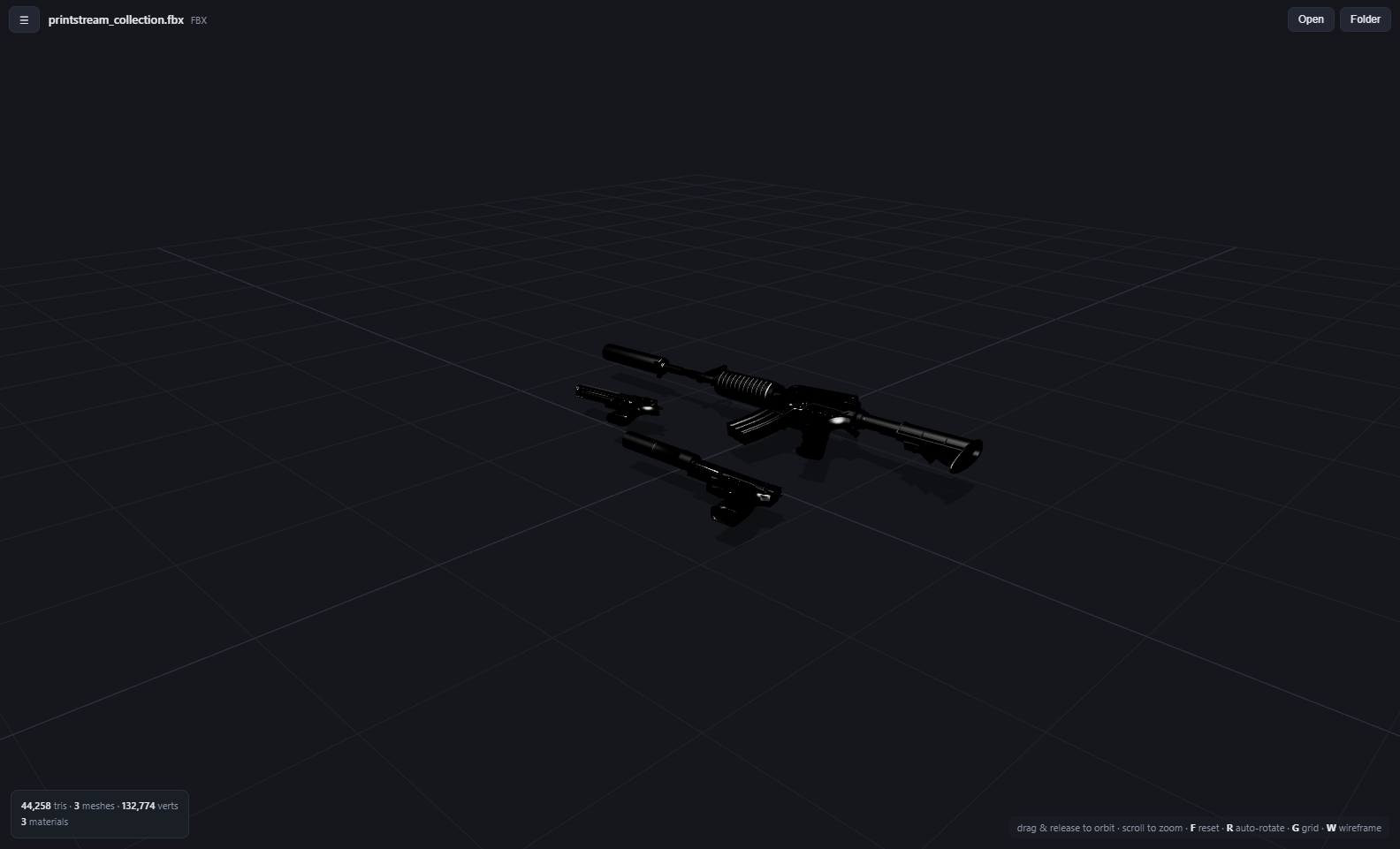
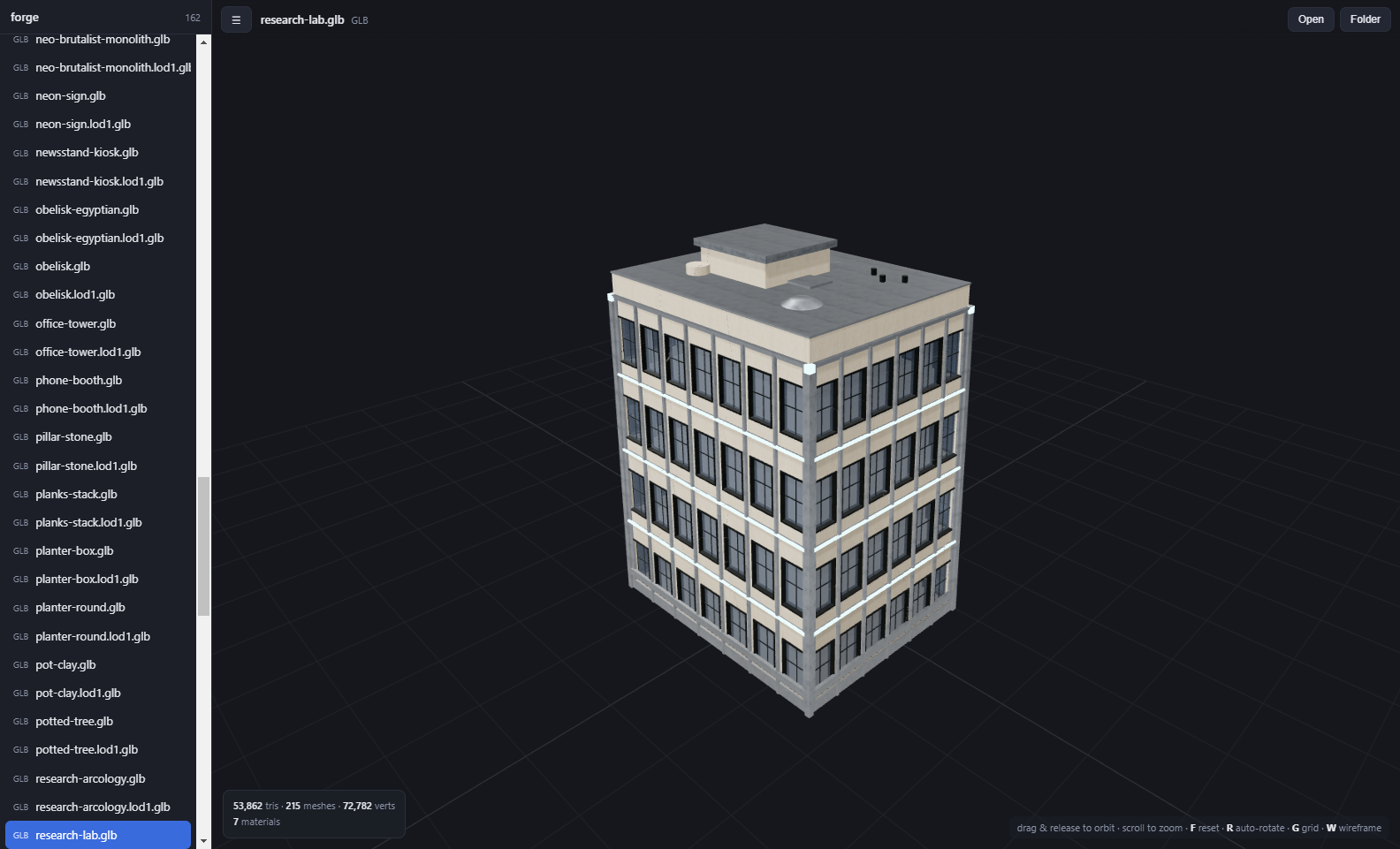
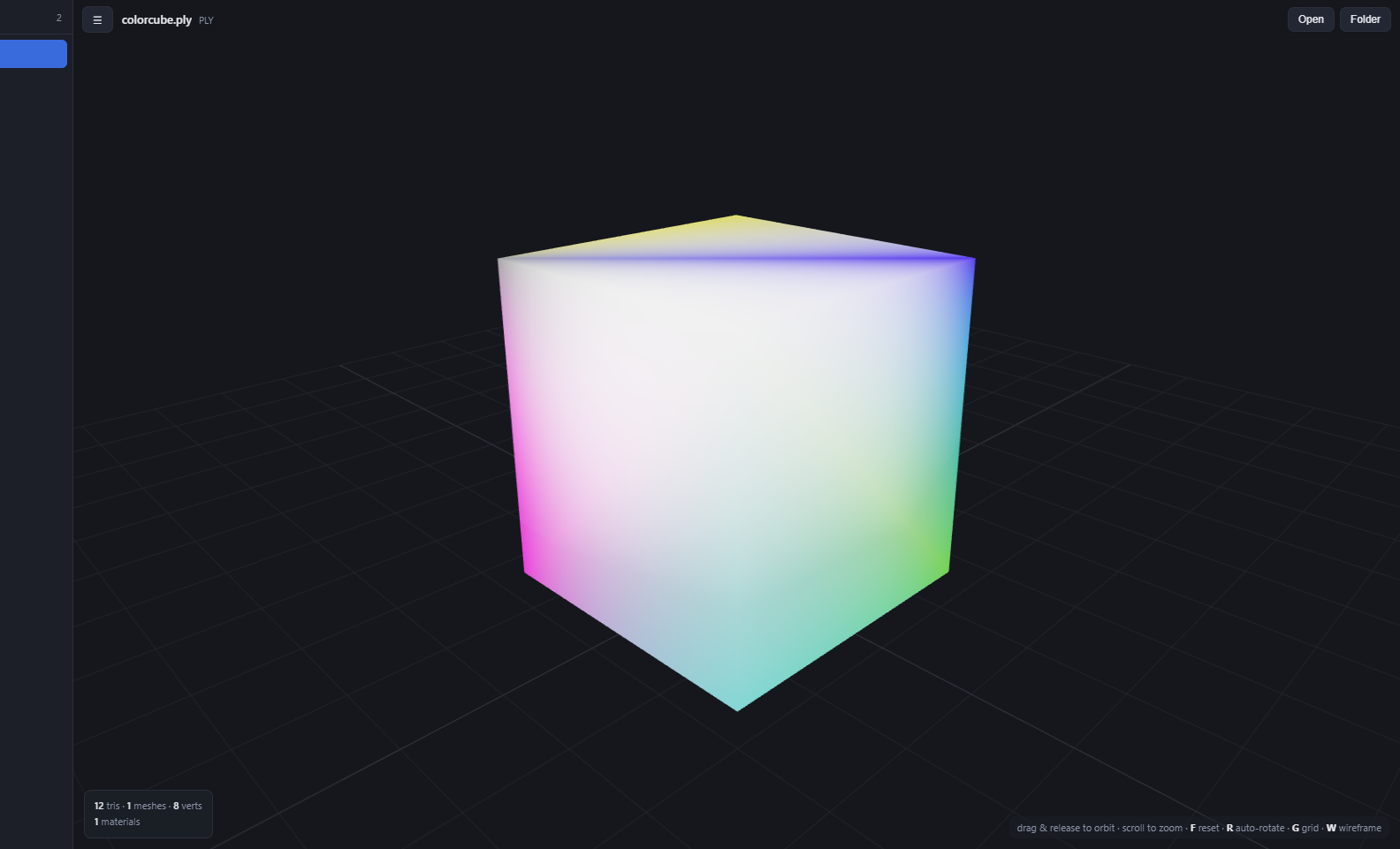
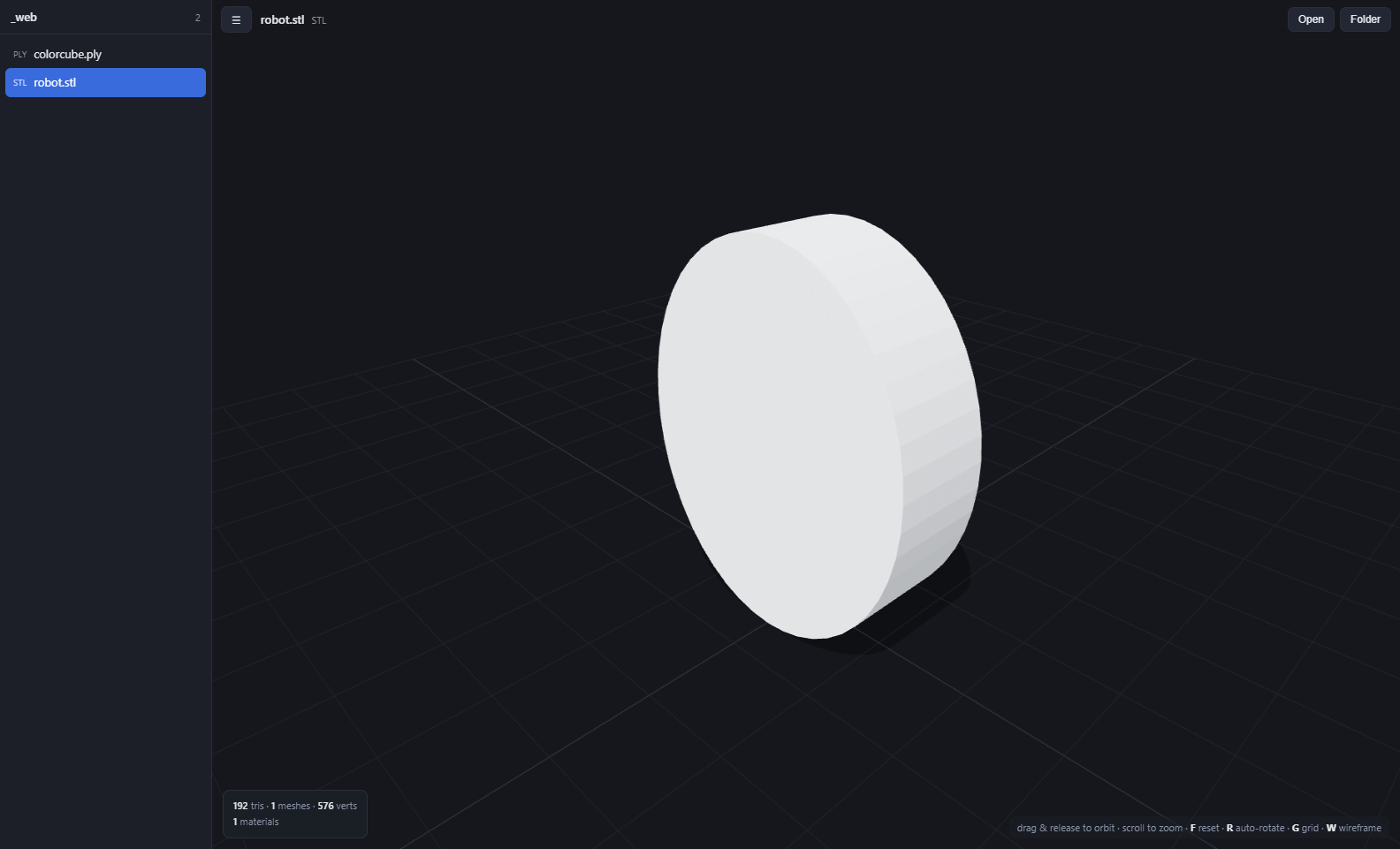
Free forever. No sign-up. No telemetry. ~80 MB.
chmod +x AnyMesh-linux.AppImage then run it. Works on most modern distros.AnyMesh is free and always will be — no paywalls, no subscriptions, no ads. If it saves you time, buy me a coffee right here — no need to leave the page.
Payments are handled securely by Buy Me a Coffee — nothing is stored on this site. Prefer a new tab? Open it directly. Or just share AnyMesh — that helps too 🙏
Yes — completely free, with no account, no trial, and no locked features. Donations are appreciated but never required.
Yes. Open a Mixamo or Unreal animation — even one with no mesh — and use the View on menu to play it on a built-in UE Manny or Mixamo character. AnyMesh retargets across rigs automatically, so a Mixamo clip plays on Manny and a UE clip plays on the Mixamo figure.
No. AnyMesh runs entirely on your computer and works fully offline. Your models never leave your machine, and this site stores nothing about you.
The app isn't code-signed with a paid certificate yet. On Windows click “More info → Run anyway”; on macOS right-click → Open. It's safe — the source is open.
GLB, glTF, FBX, OBJ (with .mtl), STL, and PLY — including DRACO, KTX2/Basis and Meshopt-compressed glTF, and colored PLY point clouds.
Yes — native builds for all three. Pick your platform in the download section above.
Yes. Open a folder (or drop one in) and every model appears in a sidebar — click or arrow-key through them.
Get in touch
AnyMesh is built by one person. Email me directly to report an issue, share feedback, or collaborate — I read every message.